GalaxyStandBy
Dual-pane desk standby dashboard while charging — Calendar, Tasks, Focus Timer, Music & Photo Frame
An all-in-one desk standby dashboard that wakes automatically on dock. Manage Today/Tomorrow calendar events, check off Google Tasks with one tap, stay in flow with a Pomodoro focus timer & DND, control background music, and display your favorite photos without unlocking your phone.
“My phone sits on my desk dock all day—why do I have to unlock it every time I want to check a task or change music?”
Standard Always-On Displays show only the time, lacking the essential productivity tools needed at a desk: Today/Tomorrow calendar agendas, Google Tasks checklists, a Pomodoro focus timer, and quick music controls. This forced constant screen unlocking and workflow interruptions.
Wakes on charging over the lock screen with independent dual-pane control for calendar, tasks, focus, music, and photos.
Integrated with Samsung Modes & Routines, it wakes instantly over the lock screen when docked. Both left (Clock, Battery/Temp, Calendar, Focus Timer, Photo Frame) and right (Google Calendar, Tasks, Summary, Music Player, Photo Frame) panes swipe independently so you can create your ideal desk setup.
Key Features
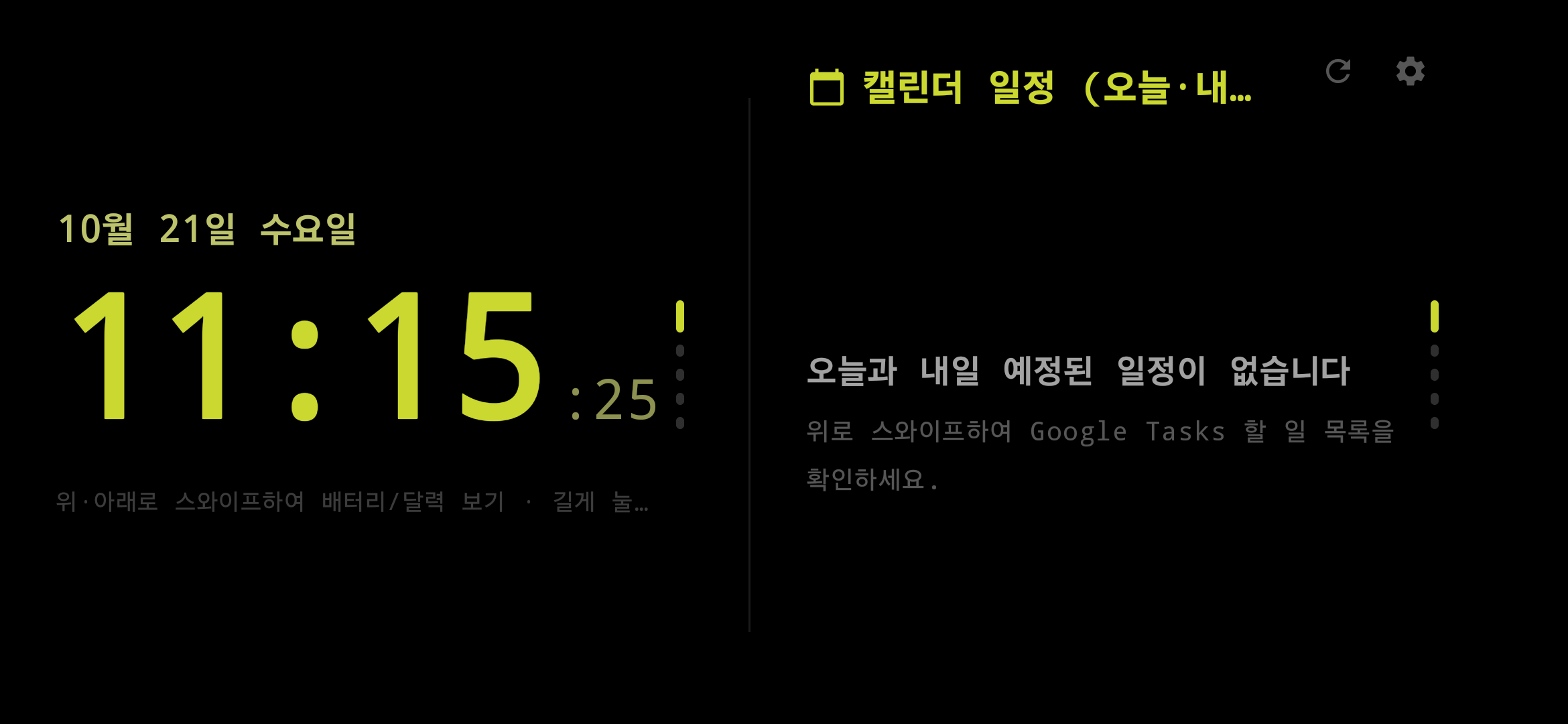
Today & Tomorrow Calendar Sync
Displays remaining events for Today and upcoming events for Tomorrow in clean cards alongside the big clock.
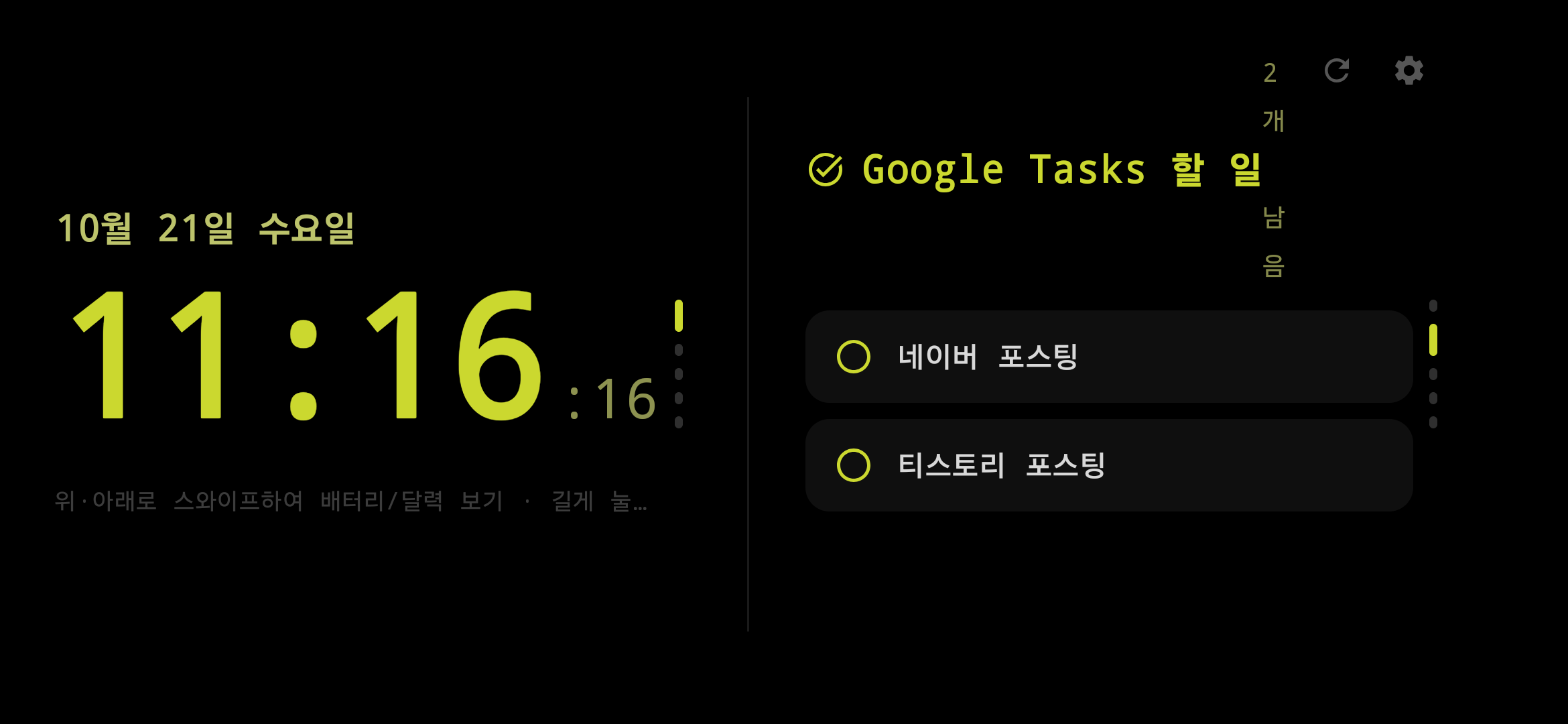
Interactive Google Tasks
View and check off your Google Tasks directly from the standby screen with instant background sync.
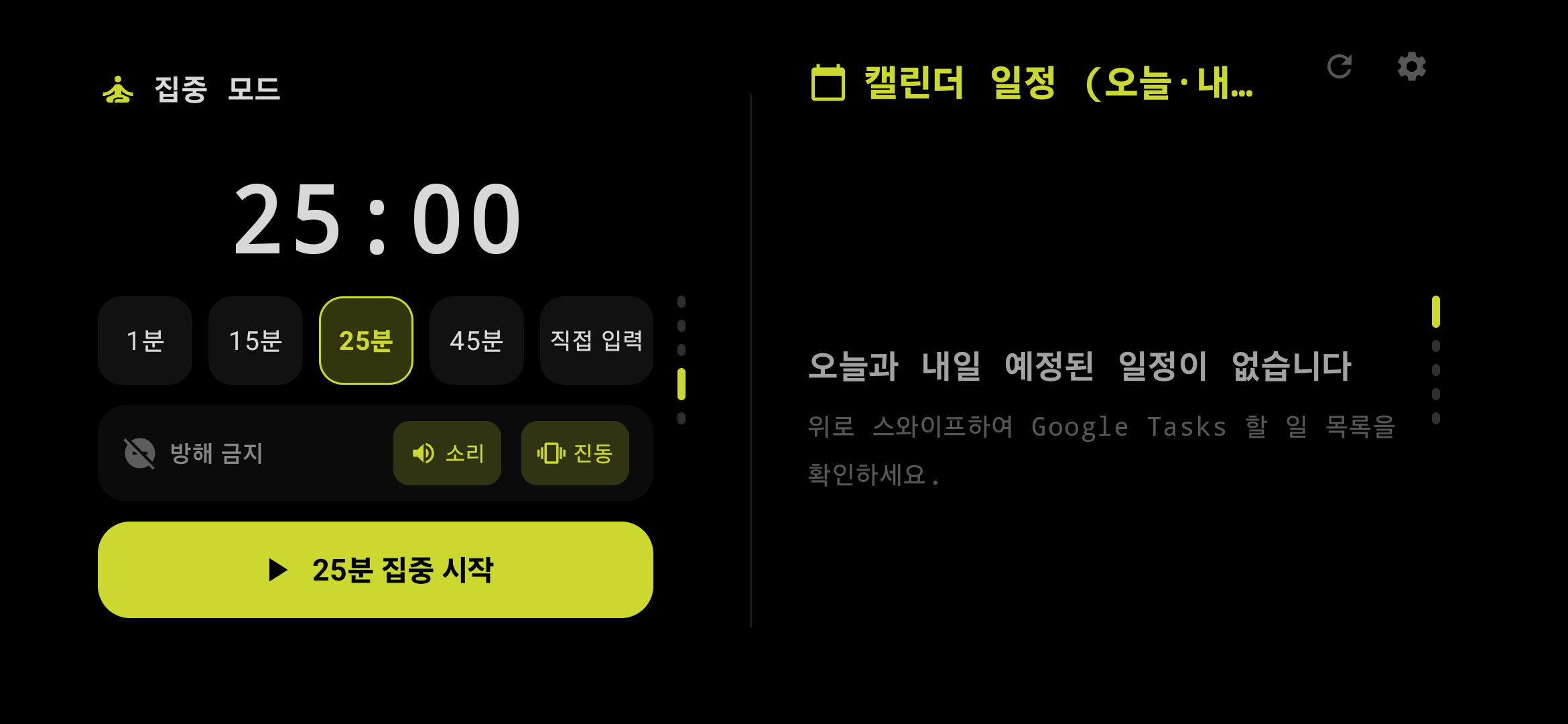
Pomodoro Focus Timer & DND
Set 15, 25, or 45-minute focus intervals paired with system Do Not Disturb (DND) for uninterrupted deep work.
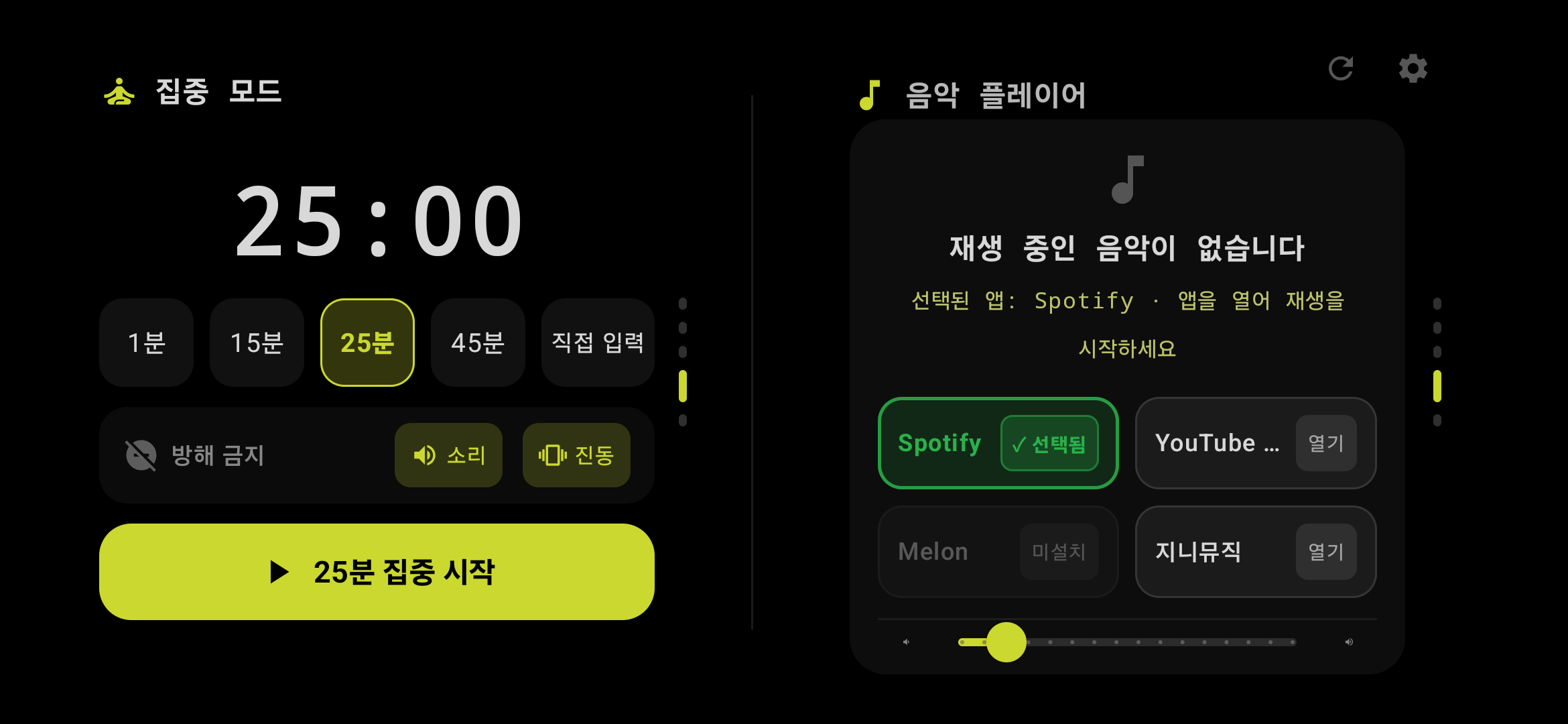
Real-time Media & Music Controller
Displays album artwork and track details from Spotify, YouTube Music, and media players with full playback controls.
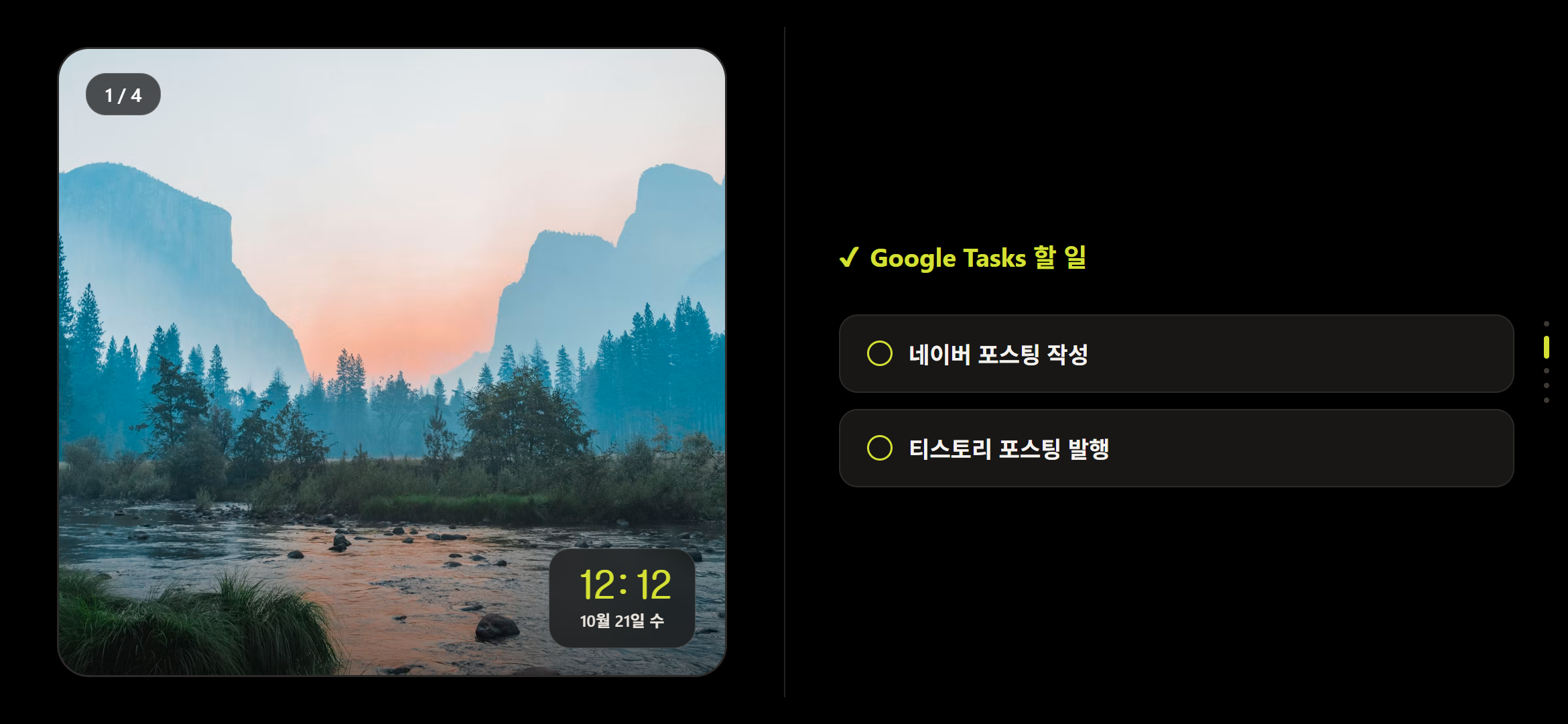
Smart Photo Frame & Slideshow
Turn your desk into a digital photo frame with customizable photo slideshow intervals and clean clock overlays.
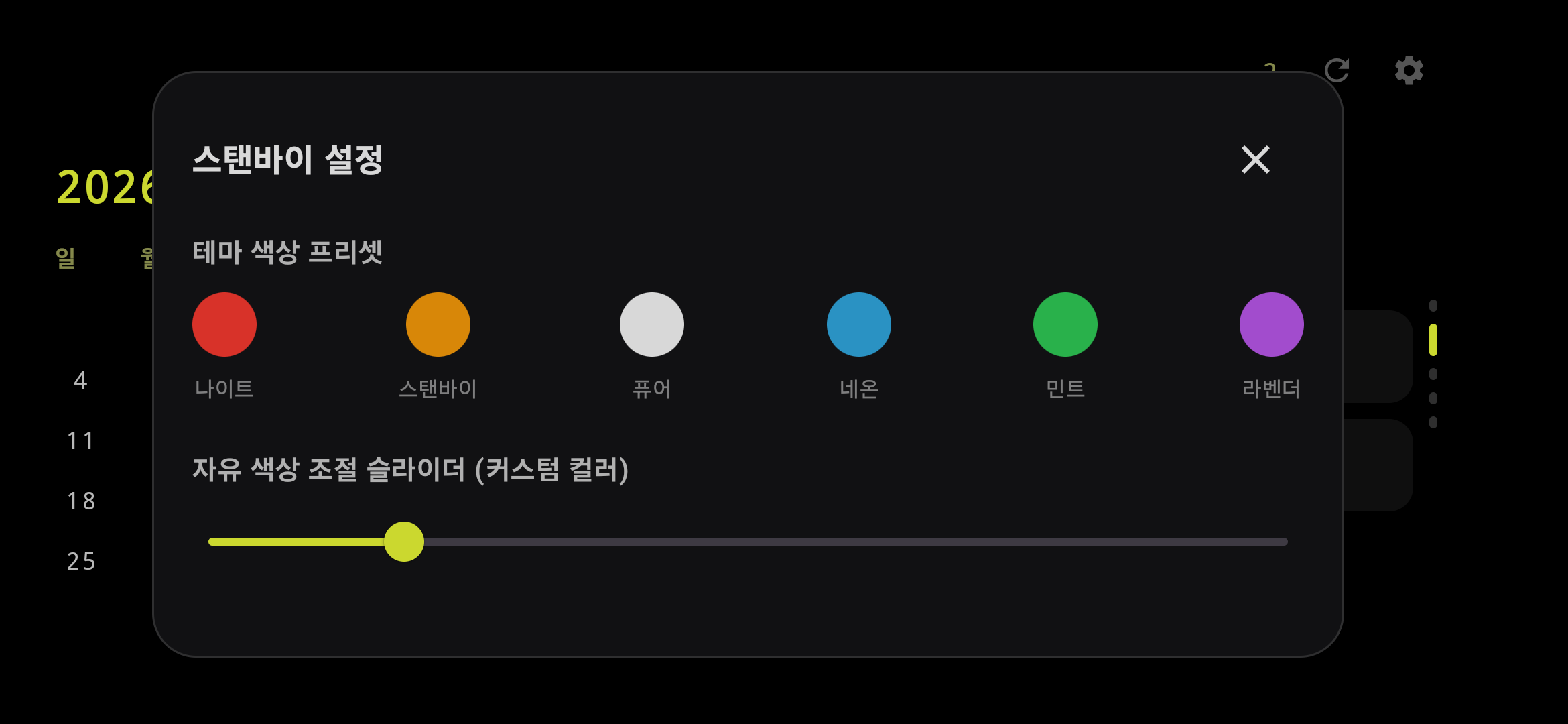
Desk Styling & Burn-in Protection
Customize 6 preset color themes, HSV slider, and 4 font styles with continuous pixel shifting to safeguard AMOLED displays.
Feature Architecture & Store Specs
Engineered for everyday desktop flow and store-grade performance.
Wake on Charging & Auto-Close
Triggers via Samsung Modes & Routines the moment your phone touches the charger, displaying over the lock screen. Unplugging closes the app cleanly without battery waste.
Calendar & Interactive Tasks Sync
Browse Today/Tomorrow calendar events and mark off Google Tasks with a single tap, syncing directly with your Google Workspace.
Pomodoro Focus Timer & DND Mode
Launch 25 or 45-minute deep work intervals with automatic Do Not Disturb (DND) integration to stay completely in flow.
Music Player & Smart Photo Frame
Control Spotify or YouTube Music directly from your dock, or switch to a full digital photo frame slideshow with clean clock overlays.
Burn-In Protection & 6 Style Presets
Choose from 6 color themes including Night Red for low-glare sleep environments, paired with continuous pixel shifting to protect AMOLED displays.
Platform & Development Status
Explore Other Projects
All Projects →Jimyung eBook
An eBook project crafted for focused digital reading and structured content
Blog Automation
An AI-assisted workflow tool that streamlines repetitive multi-channel blog publishing